图像生成案例图
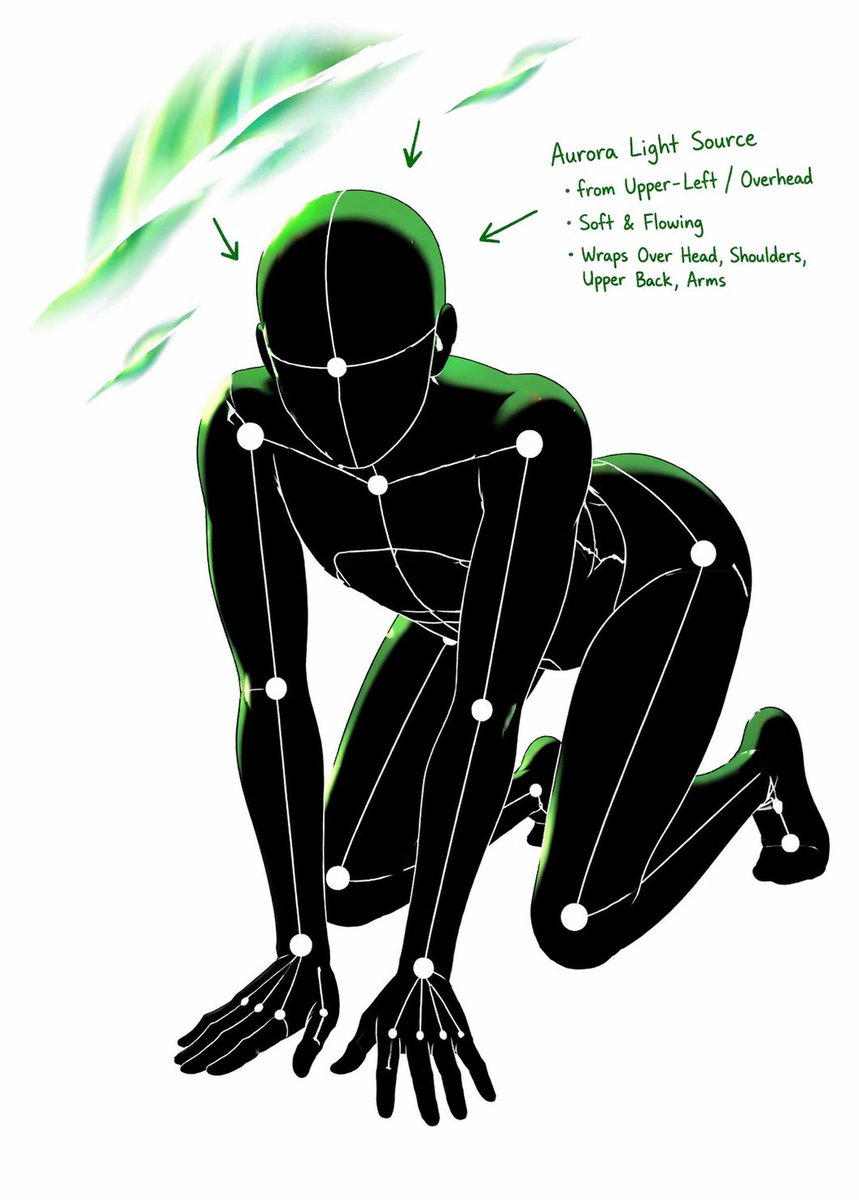
Full Prompt
[CORE TASK]
Transform the provided input image into a pose-and-light analysis sheet.

This is NOT a finished character illustration.
This is NOT a clothing sheet.
This is NOT a beauty-preserving redraw.

This is a white-line rough mannequin conversion.

[PRIMARY GOAL]
Extract and visualize only:
- pose structure
- body balance
- camera angle
- body line flow
- inferred light source placement
- illuminated areas and light intensity

[INPUT ROLE]
Use the provided image as the strict anchor for:
- pose
- camera angle
- body tilt
- weight distribution
- approximate lighting situation

Do NOT preserve:
- face rendering
- hairstyle rendering
- clothing detail
- accessories
- weapon detail
- background architecture
- character identity
- emotional expression

[FIGURE CONVERSION]
single rough mannequin-like human figure
white body contour lines
white internal construction lines
simple mannequin head
no face
no eyes
no mouth
no eyelashes
no personality
no individual identity

human figure should look like:
- rough pose mannequin
- anatomy proxy
- line-based body guide
- structural sketch
- white-line rough dummy

keep:
- pose readability
- silhouette flow
- head tilt
- torso direction
- pelvis direction
- limb placement

[BACKGROUND]
pure black background
negative-style dark field
no scenery
no props
no architecture
no environmental storytelling

[LINE STYLE]
rough white line drawing
clean but sketch-like
construction-line feeling
anatomy guide lines visible
joint flow visible
body contour emphasized
no polished illustration finish

[LIGHT ESTIMATION]
predict the likely light source positions from the input image
visualize the light sources and illuminated areas using green glow only

use green light intensity with variation:
- strongest green where the light directly hits
- medium green for wrap light
- soft green for reflected or fading light

mark the estimated light sources with labels and arrows such as:
- Main Light
- Rim Light
- Fill Light
- Floor Bounce
- Back Light
only if appropriate

IMPORTANT:
do not invent random lights
infer lighting from the original input image
if the lighting is ambiguous, keep the annotations simple and plausible

[GREEN LIGHT VISUALIZATION]
show green glow on:
- head / skull plane
- neck
- shoulders
- chest plane
- ribcage direction
- pelvis edge
- thigh planes
- knee contact points
- floor contact bounce if applicable

use green light not as decoration,
but as lighting analysis information

[POSE PRIORITY]
1. preserve pose structure
2. preserve camera angle
3. preserve body balance
4. preserve head-torso relationship
5. visualize likely light direction
6. show illuminated areas with readable green intensity variation

[NEGATIVE]
finished person,
cute girl,
detailed face,
hair rendering,
clothing rendering,
weapon emphasis,
beautiful anatomy
Full Prompt · #79
-
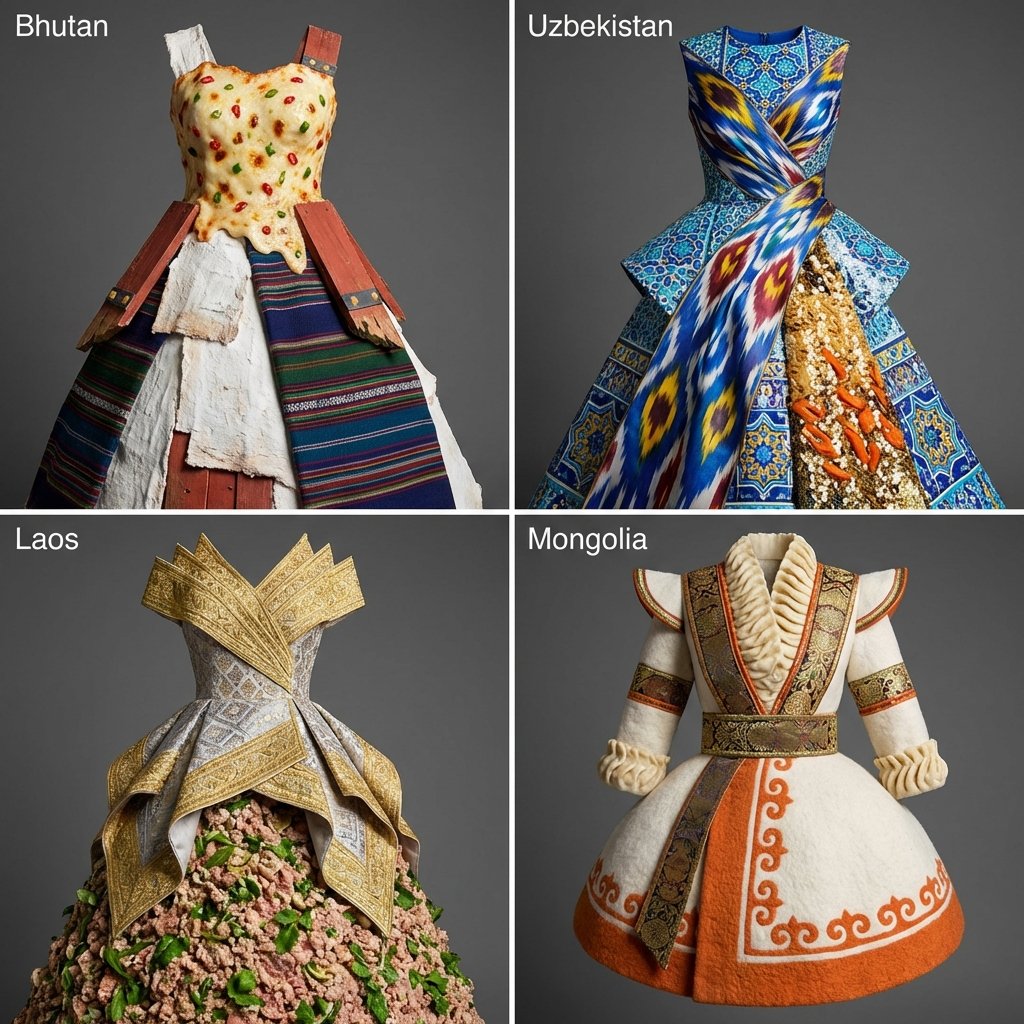 四国文化锚点服装设计宫格
<instructions> input: continent pick 4 lesser known countries in that continent function d
#391
四国文化锚点服装设计宫格
<instructions> input: continent pick 4 lesser known countries in that continent function d
#391
-
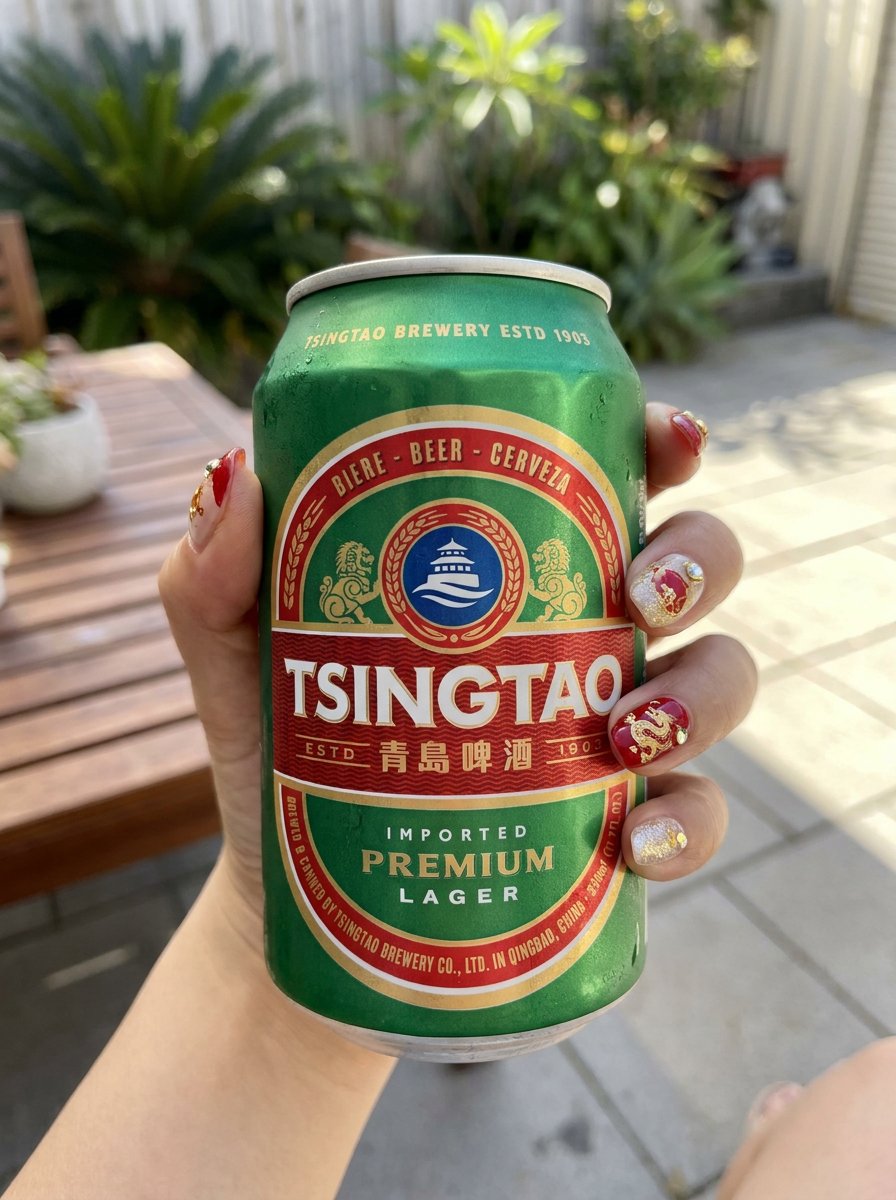 青岛啤酒灵感女装系列
Inspired by Tsingtao (China beer)🍺 “Inspired by this product, design a set of cool-style w
#385
青岛啤酒灵感女装系列
Inspired by Tsingtao (China beer)🍺 “Inspired by this product, design a set of cool-style w
#385
-
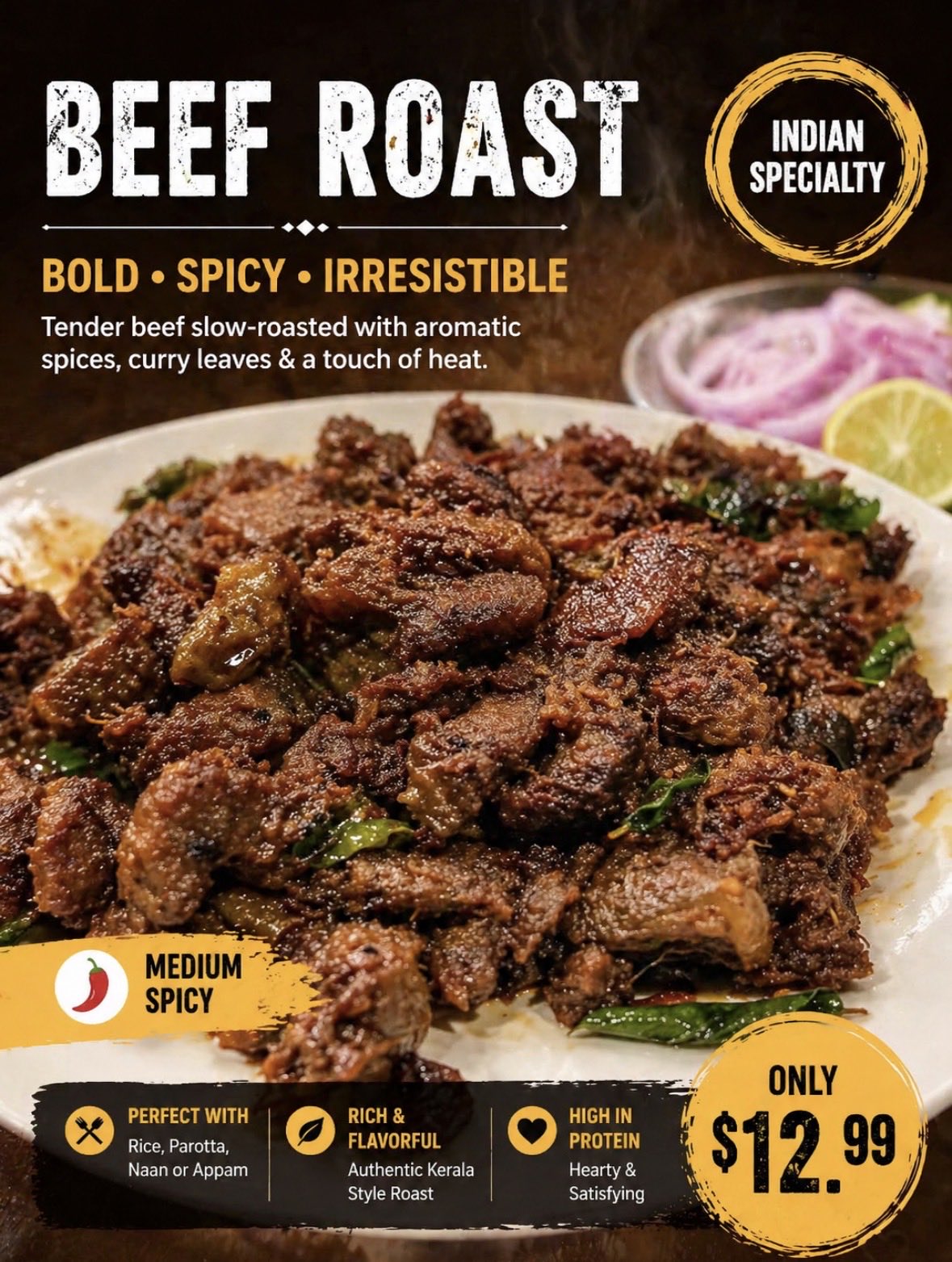 印度餐厅菜单改造宣传图
这是india 料理中的一份真实menu。根据此 重新生成带文本说明的 引人入胜垂涎欲滴的 说明图片 先用English 文本易于识别(手机小屏幕) 这个是beef roast
#368
印度餐厅菜单改造宣传图
这是india 料理中的一份真实menu。根据此 重新生成带文本说明的 引人入胜垂涎欲滴的 说明图片 先用English 文本易于识别(手机小屏幕) 这个是beef roast
#368
-
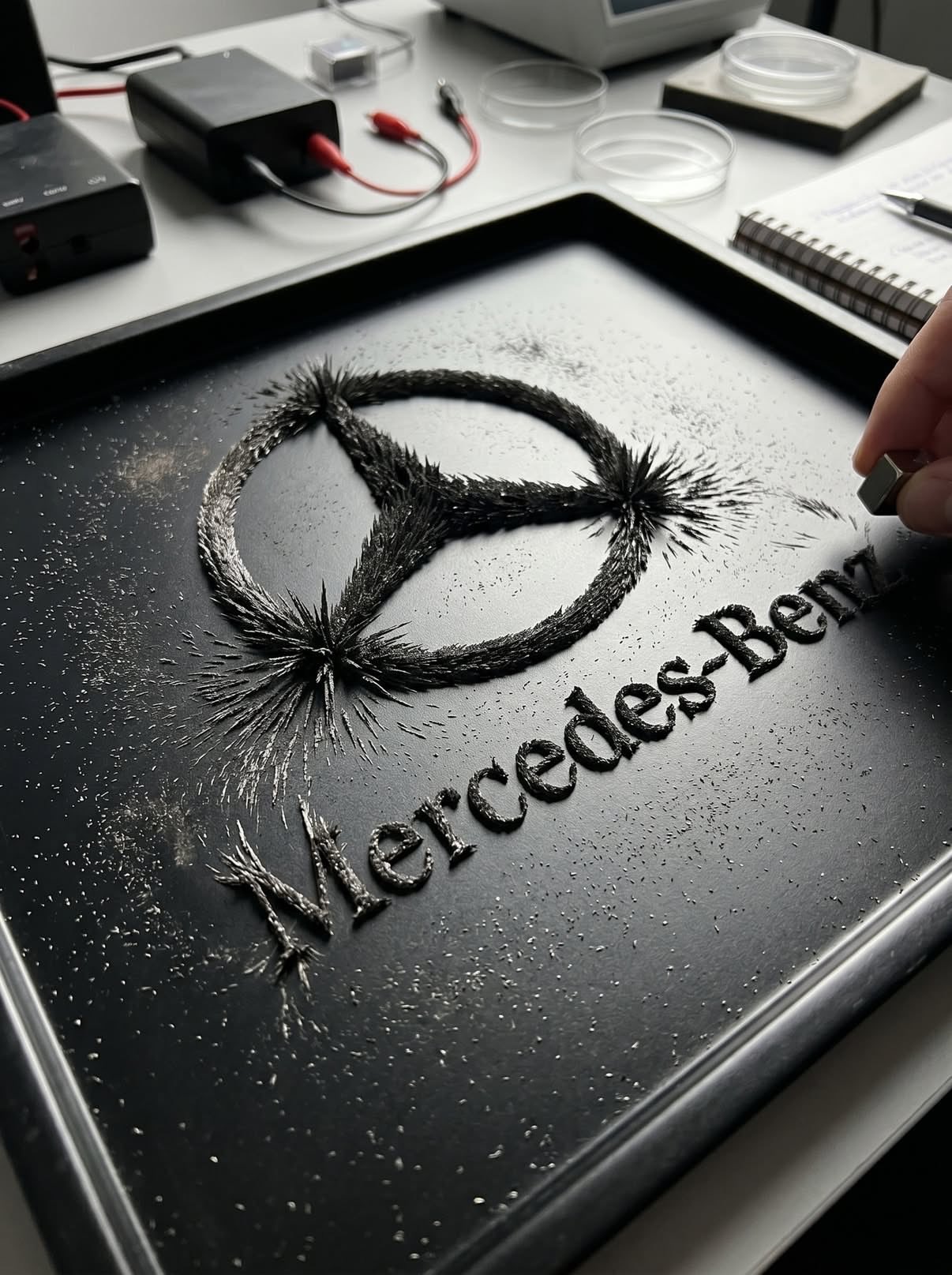 磁场铁粉 Logo 物理成像
Transform the uploaded logo into a hyper-realistic scene where the logo silhouette is form
#363
磁场铁粉 Logo 物理成像
Transform the uploaded logo into a hyper-realistic scene where the logo silhouette is form
#363
-
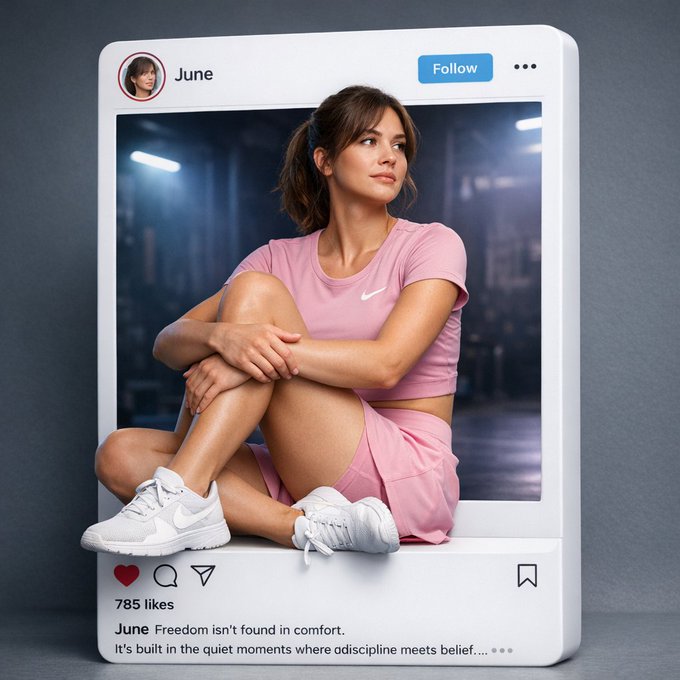 应用界面样机图
Create a hyper-realistic, cinematic Instagram post layout where the Instagram UI exists as
#323
应用界面样机图
Create a hyper-realistic, cinematic Instagram post layout where the Instagram UI exists as
#323
-
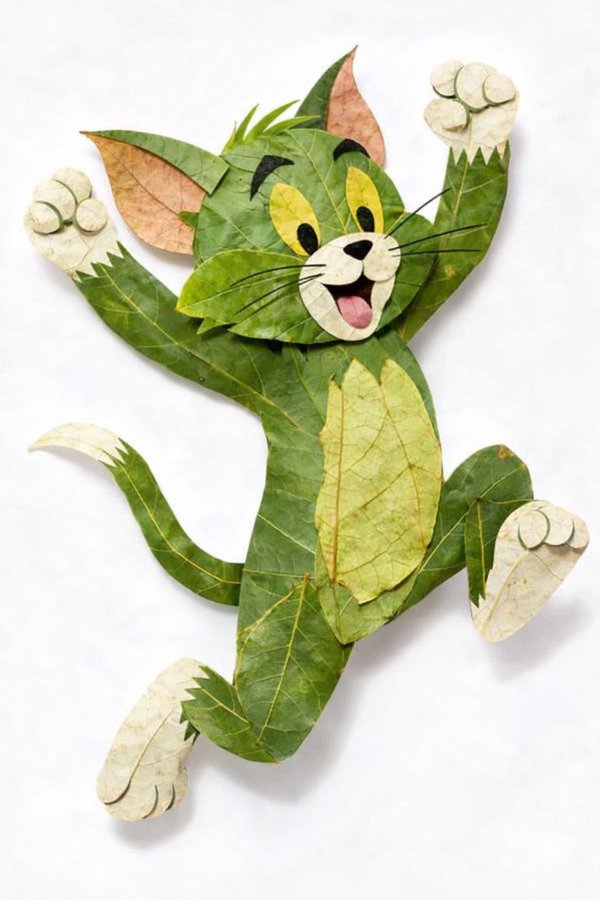 创意树叶拼贴构成的角色画像
[中文] { 角色名称 } 完全由天然树叶制成,创意树叶拼贴艺术,分层绿叶和干叶构成身体、面部和衣服,可见叶脉和纹理,手工植物艺术风格,干净的白色背景,俯视平铺构图,高度细节,柔和
#309
创意树叶拼贴构成的角色画像
[中文] { 角色名称 } 完全由天然树叶制成,创意树叶拼贴艺术,分层绿叶和干叶构成身体、面部和衣服,可见叶脉和纹理,手工植物艺术风格,干净的白色背景,俯视平铺构图,高度细节,柔和
#309
Sources: public cases from the official GPT Image 2 gallery (gpt-image2.canghe.ai); prompts and images are published by the original case authors.
